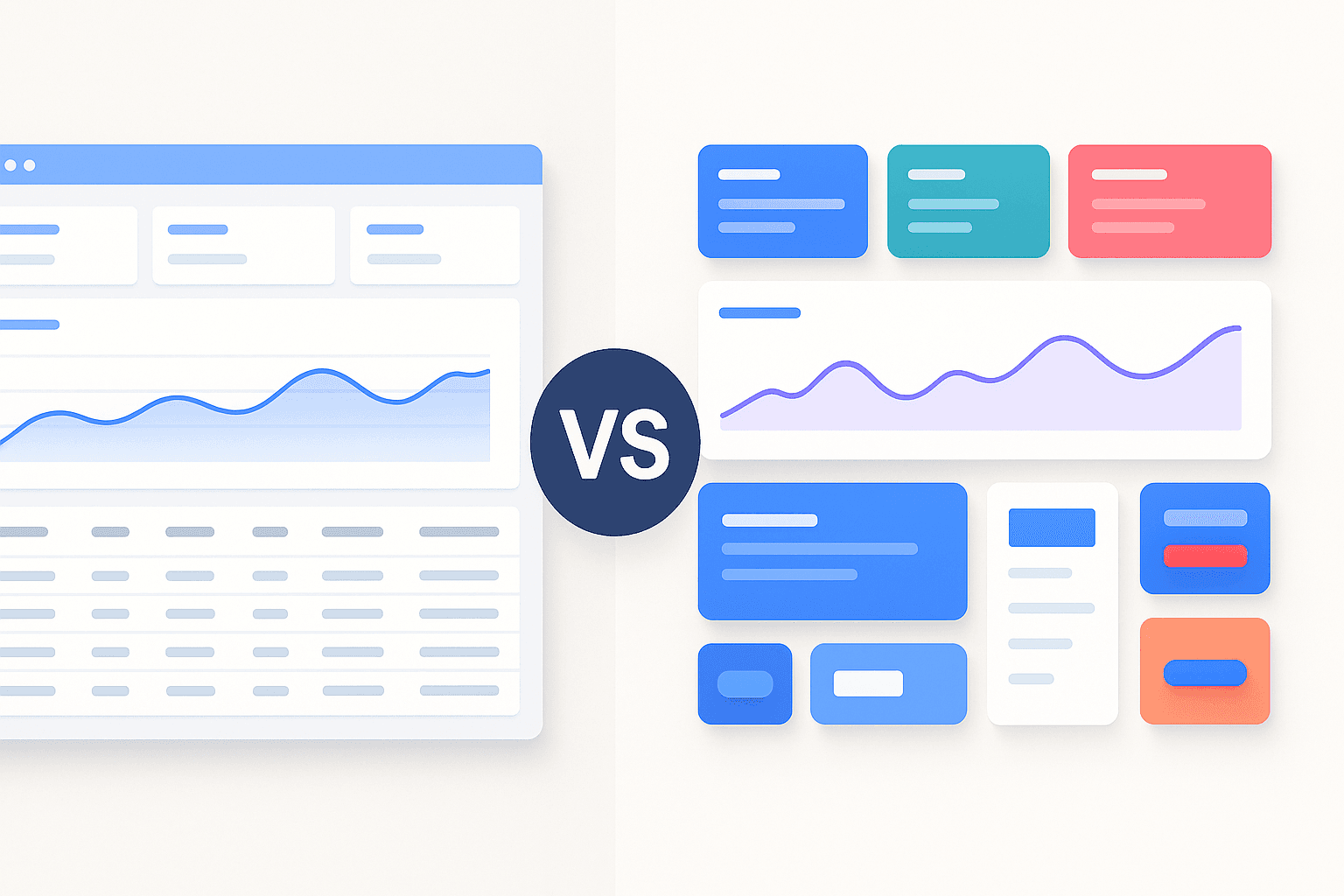
Ant Design vs Material UI: The Best React Library for US SaaS in 2026
If you are building a SaaS application today, you aren’t just choosing a button style; you are choosing the foundation of your entire development-to-deployment pipeline. At our Figma-to-code SaaS agency, we have converted over 200 complex enterprise designs into production-ready React applications. We’ve seen firsthand how the choice between Ant Design (AntD) and Material UI (MUI) can either accelerate your launch by weeks or trap your team in a “CSS override” nightmare.
For US companies looking to scale, the stakes are high. You need a design system that feels premium to a Western audience, meets strict ADA accessibility requirements, and integrates perfectly with design tools like Figma.
Material UI (MUI) is generally better for consumer-facing US SaaS apps due to its modern aesthetic and superior accessibility, while Ant Design is the powerhouse choice for data-heavy enterprise dashboards and internal tools.
1. Design Philosophy: Consumer Polish vs. Enterprise Efficiency
The biggest difference between these two giants lies in their DNA.
Material UI: The Google Standard
MUI is based on Google’s Material Design. In the US market, users are conditioned to this look. It feels familiar because it mimics the physics of the real world—think shadows, ripples, and meaningful transitions. If you are building a B2C SaaS or a mobile-first application, MUI’s “Paper” and “Elevation” concepts make the app feel tactile and premium.
Ant Design: The Enterprise Engine
Developed by Alibaba, Ant Design follows a more formal, structured “Eastern” design philosophy. It is built for productivity. While MUI focuses on how a button feels when you click it, Ant Design focuses on how 50 buttons and a complex data table can fit on one screen without looking like a mess. For B2B SaaS founders in San Francisco or New York, Ant Design is often the “secret weapon” for building complex admin panels quickly.
2. Figma to Code: Which Library Wins the Handoff?
As a SaaS consultant, I focus on the “friction” between design and development. If your designer builds a beautiful custom UI in Figma that the developer can’t easily implement, you lose money.
- Ant Design for Figma: The Ant Design ecosystem has some of the most robust third-party Figma kits available. These kits are “pixel-perfect” mirrors of the React components. When we use Ant Design System for Figma, our developers can literally see the exact tokens and variables needed for the Less-based styling.
- MUI for Figma: MUI offers official Figma sets that are incredibly clean. Since MUI uses Emotion (CSS-in-JS), it is often easier for developers to tweak individual component styles directly in the code without breaking global variables.
3. Customization: Tailoring Your Brand in the US Market
In the competitive US SaaS landscape, looking “out of the box” can be a death sentence for your brand.
Theming in Material UI
MUI v6 (released in late 2024/early 2025) has doubled down on CSS Variables. You can now customize your theme with a simple JSON object that controls everything from primary colors to border radii. If your SaaS brand needs a unique, “non-Material” look, MUI’s sx prop and styled() API offer the most surgical precision.
Theming in Ant Design
Ant Design v5 uses a “Design Token” system. It is incredibly powerful for global changes. If you want to change the “border-radius” of every single input, button, and modal in your app, you change one token. However, Ant Design can be “opinionated.” It fights back if you try to make it look too much like a custom boutique website.
| Feature | Material UI (MUI) | Ant Design (AntD) |
| Best For | B2C, Mobile-first, Brand-heavy | B2B, Admin Panels, Dashboards |
| Styling Engine | Emotion / Styled Components | Design Tokens / Less |
| Data Tables | Good (MUI X is Excellent but Paid) | Exceptional (Built-in & Free) |
| Accessibility | Native WCAG 2.1 Compliance | Good, but needs manual checks |
| Learning Curve | Moderate | Steep for complex forms |
4. Performance and Bundle Size: Keeping it Fast in California
US users have zero patience for slow-loading apps.
Material UI is highly tree-shakeable. If you only use a button, you only pay for the button’s weight.
Ant Design has improved significantly in v5, but it still tends to bring a bit more “global” weight. However, for a massive enterprise application with 100+ screens, the overhead of Ant Design is negligible compared to the development hours it saves.
5. The Verdict: Our SaaS Strategy Recommendation
After years of building Figma-to-code pipelines, here is my “Golden Rule” for choosing:
- Choose Material UI if: You are building a SaaS where the user experience needs to feel “light,” your team is based in the US/Europe, and you need to hit 100% ADA compliance for government or education contracts.
- Choose Ant Design if: You are building a “Pro” tool. If your users spend 8 hours a day staring at your app to manage logistics, finance, or data, they need the density and “workhorse” nature of Ant Design.
At our agency, we often see US founders start with MUI for their MVP to look “modern” and then move to Ant Design for their “Admin 2.0” portal where performance in data entry is the only thing that matters.
People Also Ask
It depends on your project’s complexity; Ant Design is better for data-dense enterprise tools, while Material UI is superior for consumer apps.
Material UI is more popular in the US market due to its alignment with Google’s design language and its early adoption by US startups.
Yes, Ant Design supports accessibility, but Material UI generally provides better out-of-the-box keyboard navigation and ARIA support.
Yes, you can use Ant Design with Tailwind CSS, though you may need to manage CSS priority to ensure Tailwind’s utility classes override AntD’s default styles.
Material UI is generally easier to learn because its documentation is more extensive and it follows standard CSS-in-JS patterns.