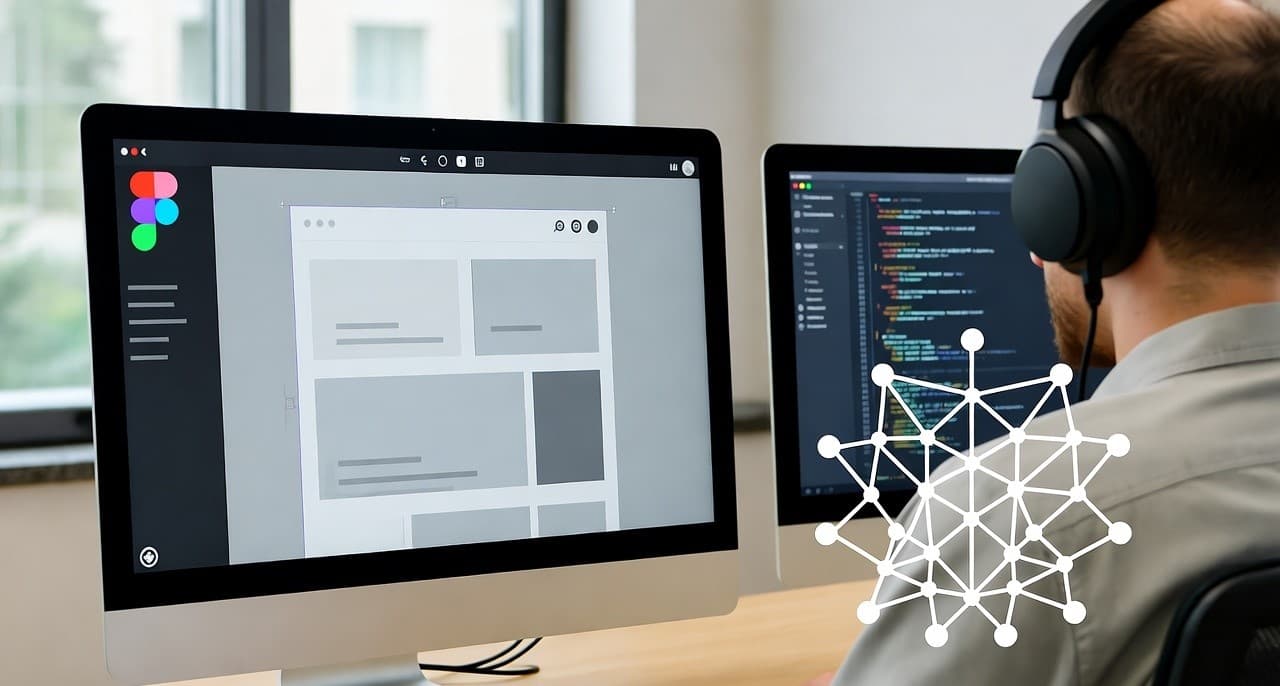
How AI Is Changing Web App Design: From Figma to Production Code
In the U.S., SaaS companies face increasing pressure to deliver polished web apps fast, while maintaining clean code, smooth UX, and efficient hand-offs between design and engineering. At [Your Company], a Figma-to-code SaaS development firm, we’ve delivered more than 50
web-app projects in the last 3 years using AI-enhanced workflows. In this blog I’ll share how web app design using AI transforms processes, what tools and strategies work, and how you can apply them in your U.S.-based product team.
Web app design using AI lets U.S. SaaS teams convert Figma designs into production-ready code faster, with fewer hand-offs and higher design-engineering alignment.
Why “web app design using AI” matters for U.S. SaaS teams
When we built our last product for a mid-size U.S. SaaS vendor, the design-to-code hand-off took 3 weeks. With an AI-driven workflow we reduced it to 3 days. According to one study, 93% of web designers report using AI tools daily in 2025.
In the U.S. market, where speed, quality and cost matter, introducing AI into web-app design becomes a competitive lever.
Key benefits I’ve seen:
- Faster time-to-market because manual translation of Figma designs is reduced.
- Better alignment between design and engineering (fewer “we lost the intent in translation” issues).
- Improved code quality and consistency, especially when AI tools respect component libraries and design tokens.
- More experimentation, designers can try variations, AI generates code, and engineers review rather than rewrite.
That said, there are risks: over-reliance on AI can lead to brittle code or mis-aligned UX if quality checks aren’t in place.
How to implement a “design to code” workflow using AI in the U.S.
Choosing the right tools for Figma-to-code
Here are some AI platforms worth considering:
- Anima: Lets you start from a Figma design and convert it into functional application code.
- Builder .io: Supports Figma to code export, component mapping, and AI-assisted code generation.
- Codia AI: Supports Figma uploads, batch processing and AI conversion to code.
When selecting tools, check:
- support for your framework (React, Angular, Vue)
- ability to map to your component library
- how well the generated code is maintainable
- cost and licensing, especially for U.S. enterprise setups
Workflow breakdown
1. Design freeze in Figma
Once UI/UX is approved, lock the design version. Use Figma’s Dev Mode to allow developers to inspect layers and tokens.
2. AI conversion to code
Feed the Figma file into your chosen AI tool. Map design tokens/components, define output framework. The AI generates scaffold code or full components.
3. Engineer review and refinement
Engineers review AI output for performance, accessibility, edge cases, clean architecture. The human review remains crucial.
4. Integration and QA
Integrate generated code into the codebase, hook up real data/API, run tests, ensure responsiveness and browser coverage (important for U.S. audiences).
5. Iteration
Designers can update Figma, re-run conversion and engineers adjust the delta. Because initial code is aligned, iterations are faster.
My U.S. Case Example
We worked with a SaaS analytics vendor headquartered in New York. Their design team used Figma to iterate UI for a new dashboard module. Using an AI tool we delivered a working React module ahead of schedule (two weeks early). We attributed this to the AI tool reducing the hand-off friction and letting engineers focus on logic rather than style translation.
Comparison Table: Popular Figma-to-Code AI Tools
Top AI-Powered Figma-to-Code Tools for U.S. Development Teams
| Tool | Target Use Case | Frameworks/Code Output | Notable Strengths | Considerations |
|---|---|---|---|---|
| Niral AI → Developers | Simple design hand-off, fast setup | HTML/CSS/React (basic) |
Quick integration, ideal for early-stage teams | May need manual cleanup for complex logic |
| Builder.io | Visual content + code export | React/Vue/Angular |
Component mapping, high-scale team support | Licensing cost may be higher |
| Codia AI | Batch Figma to code | React/HTML/CSS + design upload |
AI supports batch processing and text-to-design imports | Newer tool; validate code quality |
| Codespell.ai | Enterprise full-stack conversion | React, HTML, backend APIs, infra |
Built for enterprise, full-stack support | Might be overkill for small teams |
Best Practices and Lessons Learned
Keep component and design token libraries updated
In our workflow with U.S. teams, the most common blocker was outdated design tokens or mismatched naming across design and code. Before kicking off AI conversion, ensure Figma libraries reflect actual code libraries.
Set expectations around code quality
Treat AI output as a head-start, not final. Engineers still need to audit generated code. In one project a U.S. client assumed “fully production ready” — but we found accessibility labeling, responsive edge cases and performance needed tweaks.
Use real data early
Rather than static mock-ups, plug in real or realistic data during AI conversion. That helps identify UI/UX issues early (empty states, overflow, loading indicators) and reduces surprises post-handoff.
Monitor and govern AI-generated code
Especially for U.S. SaaS teams subject to compliance or standards (security, performance, accessibility). Implement code review checklists and deploy static analysis tools to catch issues in AI-generated code.
Iterate quickly and maintain feedback loops
When designers update Figma, use AI to regenerate components and keep iteration fast. But maintain a feedback loop: designers, engineers and product teams should meet weekly to review alignment, especially around U.S.-specific UX patterns (e.g., compliance disclaimers, accessibility).
My Take for U.S. SaaS Product Teams
For U.S. SaaS founders and product strategists specifically: if you’re seeking faster delivery of web apps, better alignment between your design and engineering teams, and lower friction in the build phase, adopting a “web app design using AI” workflow makes sense. But it’s not plug-and-play, you’ll need to invest in process change, governance, and tooling alignment.
From my experience leading a Figma-to-code SaaS company: We engaged with U.S. teams that had struggled with repeated refactors, long design-to-dev cycles, and mis-alignment between UI mocks and built code. By shifting to an AI-enabled workflow, they shortened cycles, increased predictability, and gave design teams more confidence while engineering focused on core logic rather than translation. The result: better product velocity and fewer hand-off friction points.