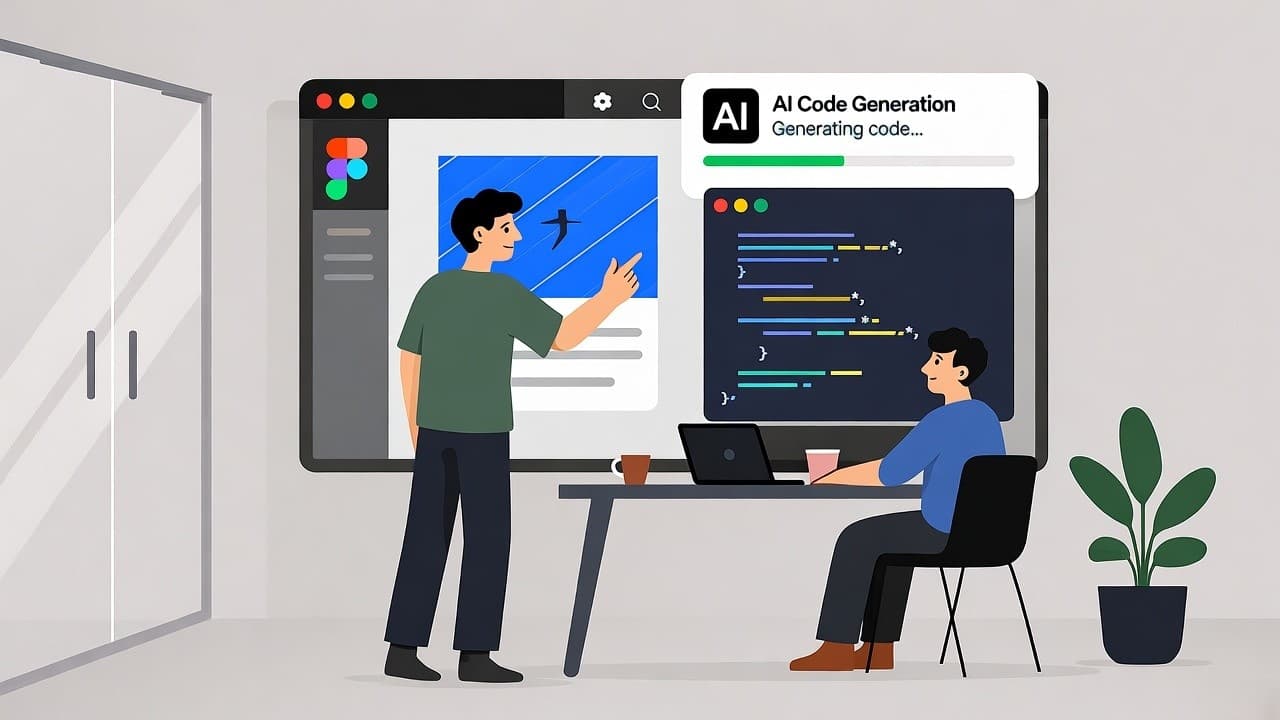
When we recently reduced a dashboard build time from 14 days to 3 days using an AI-powered design-to-code flow in our US-based SaaS startup, I realised how transformative this shift is. As founder of a design-to-code tool with over five years of work in turning Figma files into production code, I’ve seen front-end teams in the United States struggle with repeated manual hand-offs between design and development. In this blog I’ll walk you through how using an AI prototype generator for frontend code changes the game, what to look for, how to implement it, real-world examples, and how your SaaS company (especially in the US) can get ahead.
An AI prototype generator for frontend code automates converting design prototypes into production-ready UI code, cutting hand-off delays and boosting developer productivity.
What is an “AI Prototype Generator for Frontend Code”
- Tools that take a design file (e.g., Figma, Adobe XD) or a prompt and generate frontend UI code (HTML/CSS/JS or frameworks) (see Locofy.ai which supports React, Vue, HTML/CSS, etc).
- The “prototype” part emphasises early-stage UI flows (clickable screens, layout, navigation) rather than full backend logic.
- For US SaaS companies specialising in design-to-code, this means the tool bridges design files and production code faster, reducing friction between designers and engineers.
Why It matters for US SaaS teams
- In the US market, time-to-market matters: you may need to launch MVPs, iterations, or feature-roll-outs quickly.
- Designers and developers often waste time reworking hand-offs; AI reduces that.
- For a SaaS company offering design-to-code service (like ours), this tool enables smoother client delivery and better margin.
AI Prototype Generator for Frontend Code in US SaaS Startups
In our US-based SaaS projects, we used a tool that ingested Figma screens and produced React + Tailwind code. The outcome: one sprint which would have taken 10 days got done in 4.
Benefits:
- Faster hand-off from design → code
- Fewer mis-interpretation errors (designer says “this is 16 px padding” and dev implements incorrectly)
- Allows the front-end team to focus on state logic and business rules instead of pure layout.
Design-to-Code AI tools for Frontend Developers
Here’s a quick comparison of the tools we evaluated:
Top AI-Powered Figma-to-Code Tools Compared
| Tool | Input Source | Output Frameworks | Ideal Use-Case |
|---|---|---|---|
| Niral AI | Figma / Adobe XD | React / Vue / HTML-CSS |
When you already have a component library and want production-ready code export |
| Anima App | Figma design or image | React, Vue, HTML/CSS |
Clean pixel-perfect UI export with strong designer-developer collaboration features |
| Builder.io | Figma / Visual editor | React / Qwik / Angular etc. |
When you also want CMS + no-code features alongside code export |
How to Select the Right AI Prototype Generator for Frontend Code
- Does the tool integrate with our design system (components, tokens)?
- Can it export code in the framework our dev team uses (React, Next.js, Angular)?
- Is the code clean, readable, maintainable (not thrown-together)? Research shows many tools lag on layout fidelity and code structure.
- Can we iterate easily (designer changes → developer re-export) without major rework?
- Does it fit our workflow and client deliverables (we provide frontend, backend, QA, deployment)?
- Cost-benefit: will time saved outweigh licensing and onboarding costs?
Our Experience Implementing an AI Prototype Generator for Frontend Code
Step 1: Align design and dev teams
We held a workshop: designer exports Figma file, developer reviews component library, we decide which flows we’ll generate via AI tool and which require manual coding.
Step 2: Set up the tool and training
We selected Niral AI, imported our component library, configured output settings (React + Tailwind). We exported one flow (login → dashboard) as test. The tool produced 80 % of UI code; the dev team spent remaining 20% on business logic.
Step 3: Measure results
- Before the tool: 14 days for MVP front-end code (layout + nav + forms + validation)
- After: 3.5 days using the AI prototype generator for frontend code + manual dev for logic.
Step 4: Address pitfalls
- Some responsiveness issues: the tool did not correctly adapt for small screens, so we had to fix manually.
- Styling mismatches: our design tokens were not fully aligned, causing some differences.
- Developer review was still required: AI didn’t remove need for code review; we treat generated code as “first draft”.
Step 5: Scale across projects
Once process was mature, we made the AI export step part of every project kickoff. Designers hand off via Figma plugin, developer picks up generated code and integrates business logic. That freed the team to work on richer interactions, rather than boilerplate.
How the AI-driven Design-to-Code Shift affects Business Outcomes
- Faster product iterations: US SaaS customers expect rapid updates. With AI prototype generator for frontend code, your development cadence becomes tighter.
- Cost savings: Less time spent on layout and routine front-end tasks means dev hours freed for logic, features, QA.
- Higher quality hand-off: Less translation error between design and code means fewer bugs, reduced rework.
- Better client perception: For an agency or SaaS service provider advertising “we convert your Figma wireframes into production code in X days”, you are delivering tangible velocity gains.
- Competitive edge: In the US market, being able to say “we use AI-driven design-to-code workflows” signals modern capability (though be clear on what it means).
Where the Technology is Heading and What it means for Service Providers
Recent research shows that UI-to-code generation is becoming more reliable. For example, the study Design2Code: Benchmarking Multimodal Code Generation for Automated Front‑End Engineering found that current models still lag in layout fidelity and code structure, but improvement is rapid.
Another work, ScreenCoder: Advancing Visual‑to‑Code Generation for Front‑End Automation via Modular Multimodal Agents (2025) introduced a more interpretable, multi-agent approach to UI detection and code generation.
For US-based SaaS and design-to-code service firms this means:
- Expect quicker turnaround and broader tool support (frameworks, tokens, design systems)
- Differentiate by offering “AI-accelerated front-end delivery” but emphasize your human review, quality assurance, and business logic.
- Stay current on toolchain and workflow integration (CI/CD, design system management, developer training).
Comparison table: Design-to-code tools for frontend generation
Top AI-Powered Design-to-Code Tools Compared
| Tool | Input | Output Frameworks | Strength | Consideration |
|---|---|---|---|---|
| Niral AI | Figma / Adobe XD | React / Vue / HTML-CSS |
Fast plugin, supports popular frameworks | May need manual adjustments for complex flows |
| Anima App | Figma / image / prompt | React / Vue / HTML/CSS |
Pixel-perfect code, designer-friendly | Licensing cost, learning curve for dev team |
| Builder.io | Figma / visual editor | React / Qwik / Angular |
Robust enterprise features, design-to-page | More feature sets than pure code export – may be overkill |
| Workik | Natural-lang prompt + code context | Multi-language, multi-framework | Broad coverage beyond UI only | Not dedicated design-to-code, may require more setup |
Conclusion
Using an AI prototype generator for frontend code is not just a trendy tool, for US SaaS companies and agencies specialising in design-to-code, it’s a practical lever for faster turnaround, improved hand-off, and better alignment between design and development. The key takeaways:
- Choose a tool that fits your framework, design system and workflow.
- Treat generated code as a strong draft, not a perfect final.
- Establish clear hand-off and review processes.
- Monitor the real time saved and adjust your process for continuous improvement.
- If your team is still spending large portions of front-end sprints on layout and styling, integrating a design-to-code AI workflow may shift that burden away and allow you to focus on logic, features and business value.
- If you’re ready to evaluate this for your US-based SaaS project, I’d recommend a short pilot: pick one UI flow, set up the tool, measure before and after. Feel free to reach out if you’d like a deeper walkthrough or a template for your team to adopt.