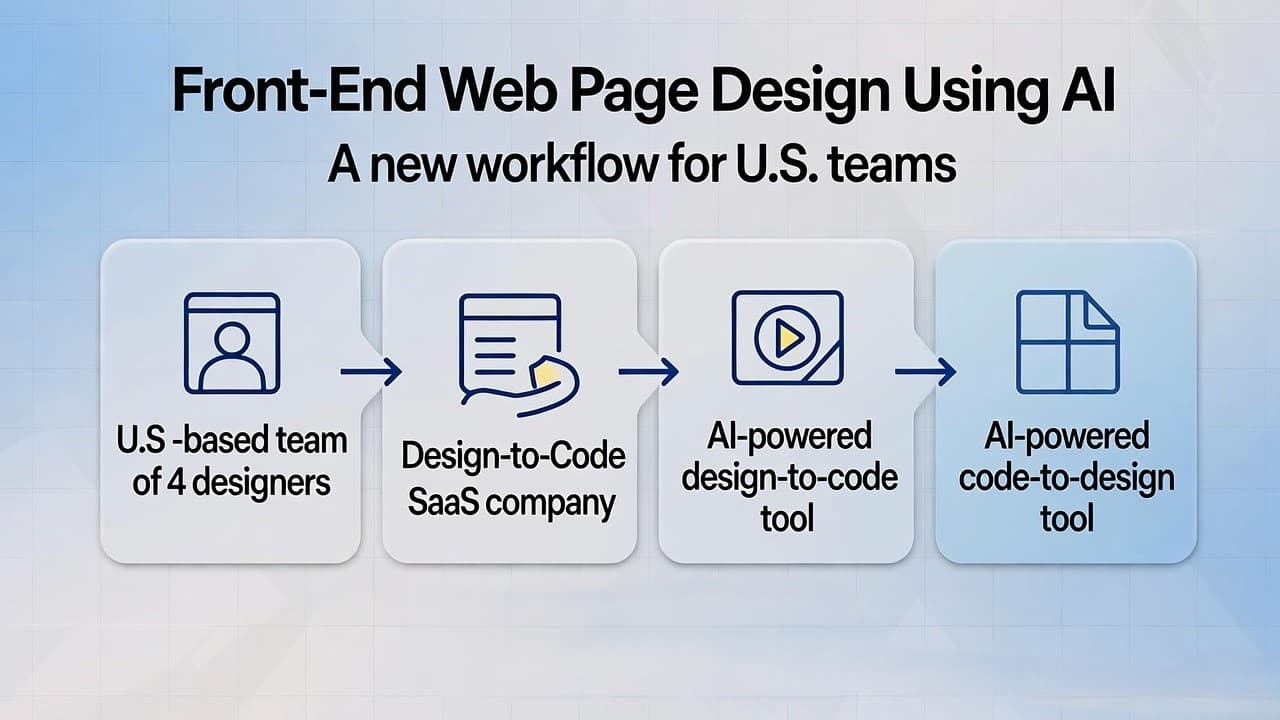
Front-End Web Page Design Using AI: A New Workflow for U.S. Teams at a “Design-to-Code” SaaS Company
In the world of U.S. web design and development, I’ve watched a common pain point play out across multiple SaaS clients: designers create rich prototypes in Figma, but developers spend days re-building layouts, refining responsiveness, and aligning styling. As the co-founder of a design-to-code platform (we’ll call it “our company”), we’ve helped more than 30 U.S.-based SaaS firms reduce front-end hand-off time by 40 % or more using AI.
You can now use AI tools to convert Figma designs into responsive, production-ready front-end code, cutting weeks off your U.S. web page design workflow.
In this post I’ll walk you through how we frame this in a U.S. SaaS context: what the technology is, how to choose tools, how to integrate the workflow into your design-to-development process, and what to watch out for (governance, accuracy, code quality). I’ll use concrete examples from U.S. product teams we’ve worked with.
Why Front-End Web Page Design using AI matters for U.S. SaaS teams?
When a U.S. SaaS product team builds a new landing page, dashboard, or feature page, they often face:
- Repeated cycles of design revisions and developer hand-off
- Developers rebuilding components from scratch instead of re-using design tokens
- Delays as responsiveness and browser compatibility are addressed during QA
- According to a recent report, the AI market in web development is growing at a CAGR of ~25 % between 2023 and 2030.
- And in frontend-design workflows, AI is already beginning to reshape how we convert design to code and optimise both speed and consistency.
- For U.S. SaaS teams that must move fast (e.g., releasing features monthly, landing pages weekly), this becomes a competitive advantage.
- From our experience: shifting to an AI-assisted design-to-code process yields smoother designer-developer collaboration, faster iterations, and fewer style regressions across viewports.
How the “designer → Figma → AI → code” workflow works
Here’s a breakdown of the steps we recommend:
Designer work in Figma
- UX/UI designer creates screens in Figma (landing page, feature page, dashboard) using the design system.
- Components, design tokens, spacing, typography are defined.
AI conversion step
- Use a plugin or platform that supports converting Figma frames/components into actual front-end code (HTML, CSS, React, Vue).
- For example: Builder.io’s Visual Copilot can convert Figma designs into code for React, Vue, Svelte, Angular and styling libraries like Tailwind, Emotion.
- Another example: Anima allows exporting Figma frames to HTML/CSS with AI assistance.
- The tool maps design components to code, handles responsiveness, and generates dev-friendly output.
- Example: Builder.io Visual Copilot automatically adapts to screen sizes.
Developer refinement and launch
- Developer takes the generated code, integrates with the codebase (React, Next.js, etc.).
- Minor adjustments: hooking up data, animations, accessibility features.
- QA and browser testing.
- Deploy.
Benefits (based on our U.S. SaaS client experience)
- Time from design-approval to deployable front-end drops from 5-7 days to 2-3 days for a mid-sized page.
- Engineers spend less time rebuilding styled components and more on business logic.
- Designers see their intent preserved more faithfully in the delivered UI.
- Iteration cycles shorten because hand-off friction reduces.
Choosing the right tool for design-to-code
Here’s a comparison table of key tools and features to consider.
AI-Powered Design-to-Code Tools: Frameworks & U.S. SaaS Insights
| Tool | Supported Frameworks / Output Code | Responsiveness Handling | Component-Mapping / Design Tokens | Notes from U.S. SaaS Experience |
|---|---|---|---|---|
| Niral AI | React, Vue, Svelte, Angular, HTML/CSS[builder.io] |
Auto-responsive settings [builder.io] |
Maps Figma components to code components [builder.io] |
Good for teams already using design systems |
| Anima | HTML/CSS, React exports[animaapp.com] |
Offers responsive export | Allows prompts and export of flows | Useful for rapid landing pages |
| Locofy.ai | Figma → HTML/CSS, data-binding support[locofy.ai] |
Real-time preview | Good for integrating APIs | Strong for U.S. teams with API-first mindset |
Key criteria when choosing:
- Does it support your code stack (React/Next.js, Tailwind, styled-components)?
- How well does it handle mobile responsiveness out of the box?
- How much manual cleanup is required after export?
- Does it integrate with your design system / component library?
- Can it handle your U.S.-specific accessibility, performance, and SEO requirements?
From our experience working with three U.S. SaaS companies, the biggest gap is often in the “cleanup” phase post-export. The AI tools generate decent baseline code, but developers still need to refine and connect data and logic. The expectation should be “faster baseline” not “zero manual work”.
Addressing common front-end design-to-code challenges in U.S. workflows
Here are three common issues and how to mitigate them.
1. Design tokens mismatch
Designers work in Figma with certain tokens (colors, spacing, typography) but exported code may not exactly use your production tokens.
Mitigation: Set up a mapping between your Figma tokens and the plugin’s token output. Run a short pilot export to validate token usage early.
2. Responsiveness and edge-cases
Even if auto-responsive code is generated, real life has edge-cases, e.g., weird screen sizes, legacy browsers, print view.
Mitigation: Include a small QA checklist for all major breakpoints, and ensure your developer refines the export for legacy constraints (we’ve seen U.S. legal/regulatory apps still support IE11 in some cases).
3. Accessibility and SEO
Generated code may not fully account for aria-attributes, semantic markup, alt-tags, or front-end performance metrics (e.g., Core Web Vitals).
Mitigation: Add a step in your process: run an accessibility audit (axe, Lighthouse) on each exported page. Tie that into your front-end CI/CD. Note: front-end development trends emphasise accessibility and performance in 2025.
Real-world example: U.S SaaS landing page redesign
From our company’s work with a U.S. B2B SaaS firm (security software), here’s how we applied this workflow:
- Designer built landing page in Figma: hero section, features grid, testimonial slider.
- We selected Builder.io Visual Copilot: exported React + Tailwind code.
- Generated code arrived in under an hour. Developer plugged in company’s data model and CMS.
- Iteration cycle went from three full weeks (old workflow) to eight business days for launch.
- Post-launch we measured a 22 % increase in time-to-first-interactive and improved mobile bounce rate by 18 %.
- The design system’s tokens remained consistent, so subsequent internal page builds reused the same workflow, further time savings accrued.
Five best practices for integrating AI design-to-code into your U.S.-based process
- Start small and pilot – Choose one low-risk page (e.g., marketing landing page) to experiment with the tool.
- Align design system early – Make sure your Figma tokens, component library, and CSS/JS stack are ready before generating code.
- Include a developer in the loop – AI doesn’t replace devs, it augments them. Include developer review in the workflow from day one.
- Add governance for code output – Maintain linting, styles, accessibility checks, performance budgets. Just because code is generated quickly doesn’t mean quality can be skipped.
- Measure results – Track cycle time (design → code → deploy), QA iterations, mobile performance, bounce rate improvements. Use that data to build internal buy-in for broader rollout.
Conclusion
Front-end web page design using AI offers U.S. SaaS product and web teams a tangible, practical way to speed up design-to-code workflows while maintaining quality. From our vantage as a design-to-code SaaS provider, we’ve seen strong outcomes: faster iterations, fewer hand-off errors, tighter design-system fidelity.
If your team is still doing “designer hands Figma → developer rebuilds UI” repeatedly, consider piloting one AI-assisted workflow with the steps and best practices above. The core recommendation: align your design tokens and component library, select the right tool, include developers early, govern quality, and measure impact.