.png)

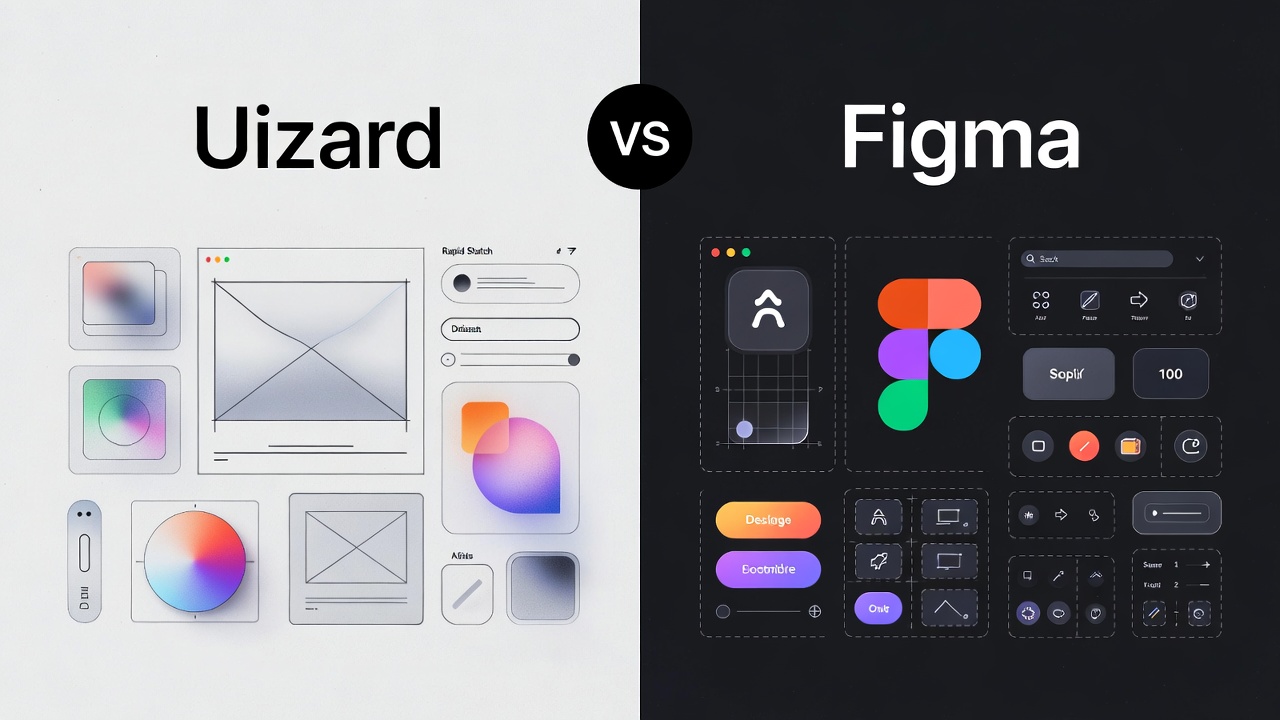
Uizard vs Figma: The Best AI Design Tool for U.S. Startups in 2026
Uizard is best for non-designers and founders needing rapid, AI-driven mockups from text or sketches, while Figma is the industry standard for professional designers requiring pixel-perfect control and advanced systems.
Uizard vs Figma: Which One Wins for Rapid Prototyping?
For years, I told my clients to hire a designer before even touching a mockup. In 2026, that advice has changed. For startups in the United States, the speed of iteration is the only true competitive advantage.
Why Uizard is the "Founders' Favorite"?
Uizard has positioned itself as the "AI-first" alternative. It is not trying to be a vector powerhouse. Instead, it uses Autodesigner 2.0 to turn a simple English prompt into a multi-screen app layout.
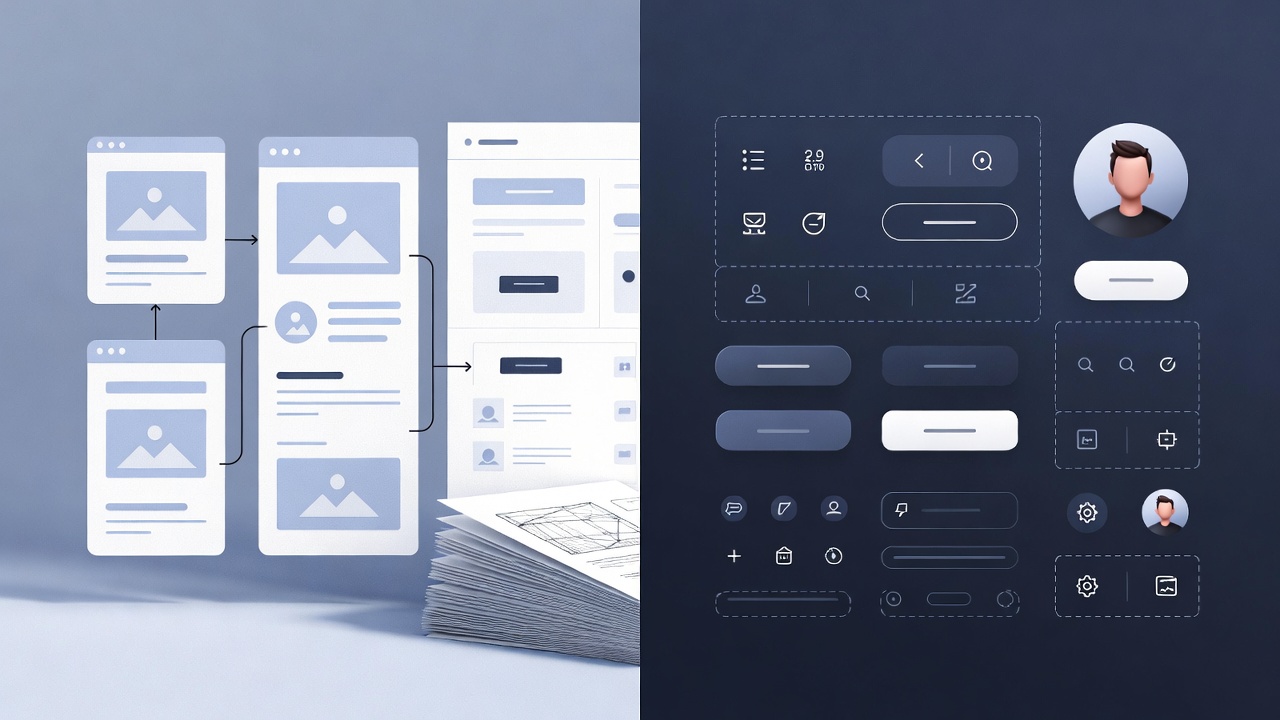
- Sketch-to-Screen: You can take a photo of a napkin sketch in a Chicago coffee shop, upload it, and Uizard turns it into a digital, editable wireframe.
- Prompt-to-UI: Type "A fintech dashboard for Gen Z investors in California," and it generates a themed UI in seconds.
- Low Learning Curve: If you can use Google Slides, you can use Uizard.
Why Figma Remains the "Industry Standard"?
Despite Uizard’s magic, Figma is still the king of the American tech ecosystem. If you are hiring a professional UI/UX designer from a top U.S. agency, they will demand Figma.
- Figma Make: This is Figma’s answer to AI. It generates functional prototypes from prompts but keeps them within the robust Figma environment.
- Dev Mode: Essential for U.S. engineering teams, Dev Mode allows developers to inspect code, export assets, and see CSS/React snippets directly.
- Design Systems: For scaling companies, Figma’s variables and components ensure that your brand looks the same on a laptop in Boston as it does on an iPhone in Austin.
Feature Comparison: Comparing Design Tools for U.S. Teams
When choosing for your team, you need to look at more than just the price tag. You need to look at the "Time to Prototype."
The AI Factor: How Autodesigner 2.0 Competes with Figma Make
In 2026, AI-powered design tools are the main event.
Uizard’s Autodesigner 2.0 is built for "zero-to-one" moments. I recently worked with a logistics startup in Texas that needed a driver app mockup in two hours for a board meeting. We used Uizard to generate the flow, swapped the colors to match their brand, and had a clickable link ready before lunch.
On the other hand, Figma Make is for "one-to-ten" moments. It helps professional designers skip the "blank page" phase. It suggests layouts based on your existing design system, ensuring that the AI-generated parts don't look like they came from a different company.
Pricing for American Startups and Small Businesses
Budgeting for SaaS tools in the U.S. requires looking at the total cost of ownership.
- Uizard Pricing: Their Pro plan starts at $12 per month, which is a steal for a founder who doesn't want to pay a freelancer $100/hour for basic wireframes.
- Figma Pricing: The Professional plan is $15 per seat. While slightly higher, the "Community" of free plugins and templates often saves you more money in the long run.
For most American startups, I recommend starting with Uizard's free tier for the initial "brain dump" and moving to Figma once you hire your first full-time designer.
Which Should You Choose?
If you are a founder in the United States trying to validate an idea this weekend, Uizard is your best friend. It bridges the gap between your thoughts and a visual product faster than any tool I’ve used in my career.
However, if you are building a long-term product that requires pixel-perfect precision and deep collaboration between design and engineering, Figma is non-negotiable. It is the language of the modern American tech industry.
My recommendation: Use Uizard to "think" and Figma to "build." Use Uizard's AI to generate 5 different versions of your landing page in 10 minutes, then pick the best one and move it to Figma for the final polish.
.svg)