.png)

It’s easy to say “UX designers make digital products easier to use,” but the reality is far more nuanced.
In most U.S. product teams, the UX designer sits at the intersection of human behavior, business goals, and engineering logic.
If you’ve ever scrolled through a product that just feels right, from how the button responds to your touch to how clearly the next step is presented—you’ve felt the work of a UX designer.
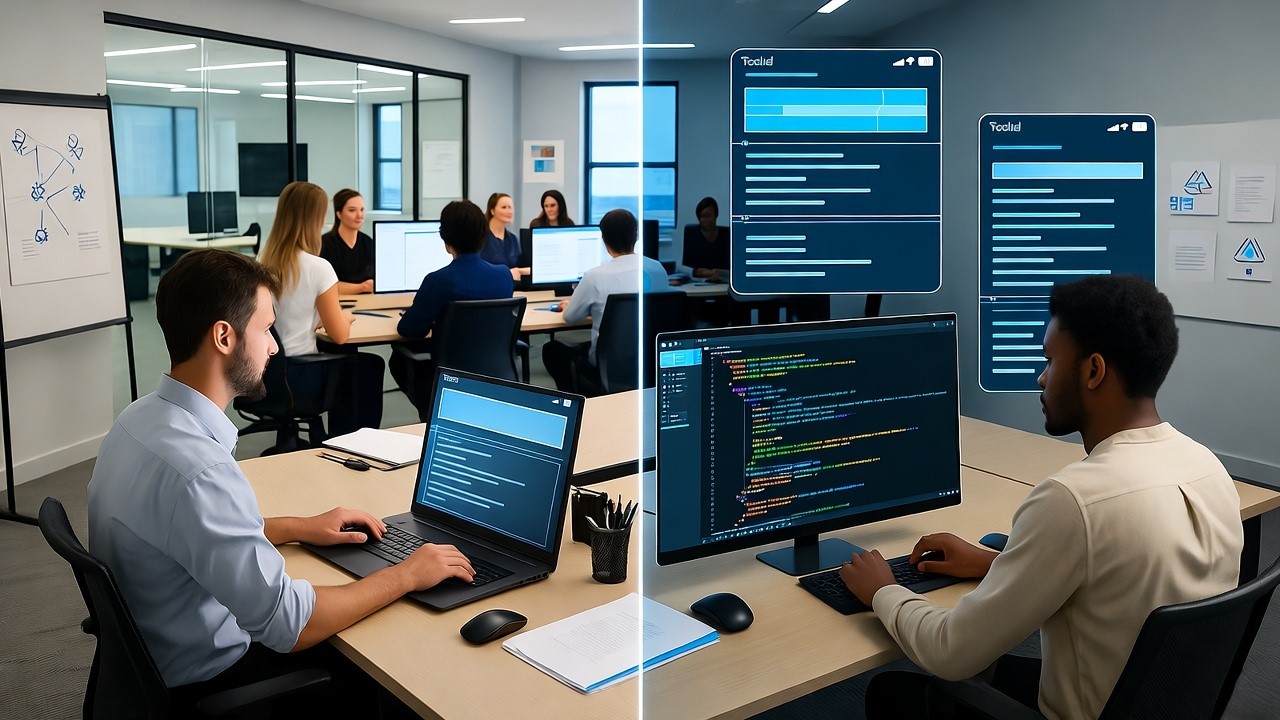
At our company, we see this every day while turning Figma designs into production-ready code. UX designers are the ones shaping those wireframes, flows, and user journeys before a single line of code exists. They bridge the gap between what users want and what development teams build.
UX designers translate human behavior into digital design decisions that make products intuitive, efficient, and meaningful.
Why UX Design Matters So Much in the U.S. SaaS Ecosystem
The American SaaS market is a design battleground. Products compete not just on features but on experience quality, how easily users can onboard, finish tasks, and enjoy doing so.
A single confusing flow can mean churn. A small usability fix can mean a higher retention curve.
In our experience helping design teams automate code generation from Figma, the most successful U.S. SaaS companies share one common trait: they invest early in UX design.
- Dropbox simplified file collaboration through relentless UX iteration.
- Slack built its dominance by obsessing over message flow and onboarding.
- Airbnb used UX research to define trust mechanisms before scaling globally.
UX is not a step in the design cycle; it’s the lens through which a product grows.
Understanding the Core Responsibilities of a UX Designer
To outsiders, UX design may look like wireframes and flowcharts. But inside the process, it’s a strategic discipline.
Here’s what UX designers actually do day-to-day.
1. Research: Understanding Real Human Behavior
Before a pixel is drawn, UX designers spend time learning about users, who they are, how they think, and what problems they face.
They conduct:
- User interviews to capture first-hand frustrations or needs
- Usability testing on prototypes to observe behavior in context
- Surveys and data analysis to quantify patterns
- Competitor audits to understand design norms in their space
In U.S. SaaS companies, this phase often defines the product direction. For example, a UX researcher at a fintech startup might discover that users hesitate during identity verification, leading to new microcopy and flow redesigns that improve conversion rates.
2. Information Architecture and Wireframing
Once research defines what users need, UX designers plan how users will find it.
They create information architecture (IA), a structural map showing how screens, menus, and interactions connect.
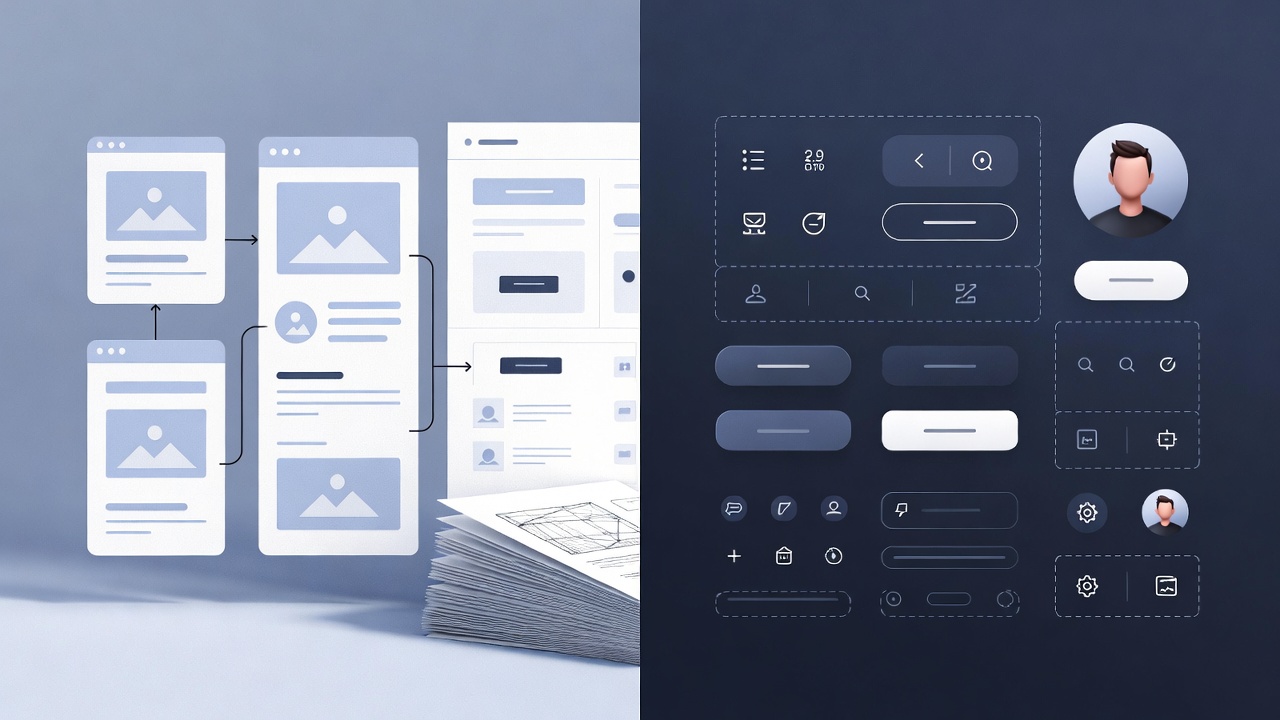
Then come wireframes, the blueprint stage where designers visualize layouts without visual polish.
At this point, tools like Figma, Balsamiq, or Miro are staples. In our workflow, we often integrate directly with Figma to help teams turn wireframes into early front-end prototypes using design-to-code automation.
3. Prototyping and Interaction Design
This is where the design starts to “feel real.”
UX designers build interactive prototypes that simulate how the final product will behave, how buttons respond, how forms validate input, how transitions guide attention.
The goal is to test interaction logic before development, saving time and rework later.
At this stage, designers collaborate heavily with UI designers and developers, ensuring that transitions and component behaviors are consistent across devices and platforms.
Common tools used:
- Figma for collaborative prototyping
- InVision or Framer for advanced motion studies
- Adobe XD for quick click-through demos
4. Usability Testing and Iteration
Even the most polished prototype needs validation.
UX designers conduct usability tests to see how real people use the product. These tests uncover hidden friction—buttons people miss, steps that confuse them, or labels that fail to communicate.
Based on insights, designers iterate, refining designs until they align with user expectations and business goals.
This iterative loop defines UX maturity: test, learn, improve. In companies like Google or Atlassian, usability testing happens continuously, not just before launch.
5. Design Handoff and Collaboration with Developers
Once a design is finalized, it moves into handoff, the stage where developers implement it in code.
Here’s where most product teams feel friction. Developers need clean, clear design assets and component logic. Designers need confidence that the build will match their intent.
Our company was built to reduce this friction. By converting Figma designs directly into structured front-end code, we eliminate the manual translation that often causes delays or mismatched visuals.
This new workflow empowers UX designers to focus on improving user experience rather than policing pixel alignment.
How UX Designers Fit into a Product Team
A UX designer doesn’t work in isolation. In most SaaS organizations, they are part of a cross-functional trio:
Together, they form a feedback cycle, PM identifies user needs, UX defines the experience, UI polishes the interface, and development brings it to life.
In well-structured teams, UX designers also collaborate with marketing for onboarding flows, sales for demo experiences, and support for issue discovery.
UX Design Tools Commonly Used in the U.S.
Every UX designer relies on a stack of digital tools to research, design, test, and collaborate.
Here’s a summary of the most widely used platforms across U.S. design teams:
The emergence of Figma-to-code SaaS tools has reshaped collaboration. Designers can now visualize how their designs translate into production, improving developer communication and reducing friction in agile cycles.
The UX Design Process in SaaS Companies
While every company adapts its workflow, most U.S. SaaS design teams follow a variation of this six-step UX process:
- Discovery – Understand users, context, and pain points
- Definition – Translate insights into user personas and problem statements
- Ideation – Brainstorm solutions, sketch, and prototype concepts
- Design – Build wireframes and high-fidelity mockups
- Testing – Validate assumptions through usability and A/B tests
- Implementation – Handoff to developers and monitor performance
What’s changing in 2025 is the integration of automation at steps 4–6. Instead of waiting weeks for code handoff, design-to-code systems now let UX designers preview real interface behavior instantly accelerating iteration and shortening product release cycles.
UX vs UI Design: What’s the Difference?
This is a question product leaders often ask, especially when hiring or defining team roles.
UX design focuses on the journey, how a user moves through a product.
UI design focuses on the surface, how that journey looks visually.
Both roles overlap, and in small teams, one person often does both. But as products scale, separating UX and UI helps deepen expertise and speed up iteration.
Common Misconceptions About UX Designers
Even experienced founders sometimes misunderstand what UX designers do.
Here are a few misconceptions we often encounter when working with product teams:
- “UX is just about visuals.”
No, it’s about how users interact with visuals, not just what they see. - “UX only matters after launch.”
Early UX research can save months of wrong development. - “Developers can figure out UX.”
Developers can implement logic, but UX defines which logic aligns with human behavior. - “Good UX is subjective.”
UX success can be measured, through conversion rates, time on task, completion rates, and satisfaction surveys.
The Shift: From Design-to-Development Alignment
Over the past decade, UX design has matured from an art to a measurable science.
But even now, handoff remains one of the most time-consuming parts of the process.
Our team built a Figma-to-code platform precisely to solve this. When UX designers can export their validated designs as usable front-end code, they:
- Reduce communication loops
- Accelerate product sprints
- Maintain design consistency
- Increase confidence in release quality
This shift doesn’t replace designers, it empowers them to spend more time refining user journeys instead of policing developer output.
Key Takeaways
- UX designers create the experience logic behind every successful digital product.
- Their process blends research, structure, testing, and collaboration.
- In U.S. SaaS companies, UX maturity correlates directly with product retention and customer satisfaction.
- The future of UX design is integrated automation, designers working alongside AI-driven Figma-to-code systems that reduce manual friction.
- UX is not a single role; it’s a shared mindset across product, design, and engineering.
Final Thoughts
Good UX design is invisible. You only notice it when it’s missing.
As product builders, we’ve seen how a thoughtful UX designer can reshape an entire roadmap by focusing on why users behave the way they do.
The best teams empower these designers with modern tools, Figma for collaboration, AI for automation, and design-to-code systems for seamless delivery.
If you’re building a digital product in the U.S. and want to close the gap between design and development, explore how a Figma-to-code SaaS workflow can streamline your UX process.
.svg)