.png)

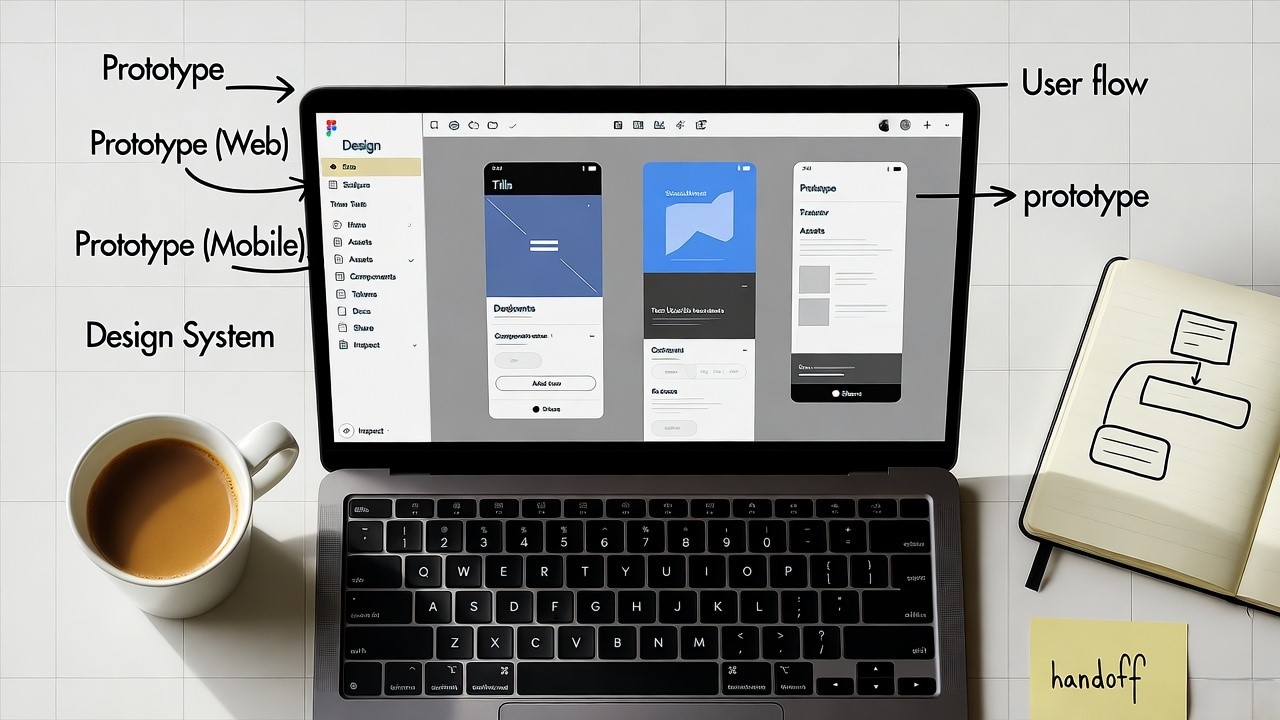
AI Website Wireframe Generator: Accelerating Figma-to-Code Workflows
I still remember the time we spent weeks iterating wireframes for a U.S. enterprise website, 60+ pages, dozens of stakeholders, and constant hand-offs between design and development. As the founder of a Figma-to-frontend-code conversion platform, I’ve now seen how an AI website wireframe generator is changing that process. In the United States especially, where time-to-market and engineering efficiency matter, this shift has real impact. In this article, you’ll see how such a tool works, why it’s critical for your Figma-to-code pipeline, what features to look for, and how to integrate it into your development stack.
An AI website wireframe generator enables you to quickly convert high-level layout ideas into structured designs, speeding up the Figma-to-frontend code conversion process.
What is an AI website wireframe generator?
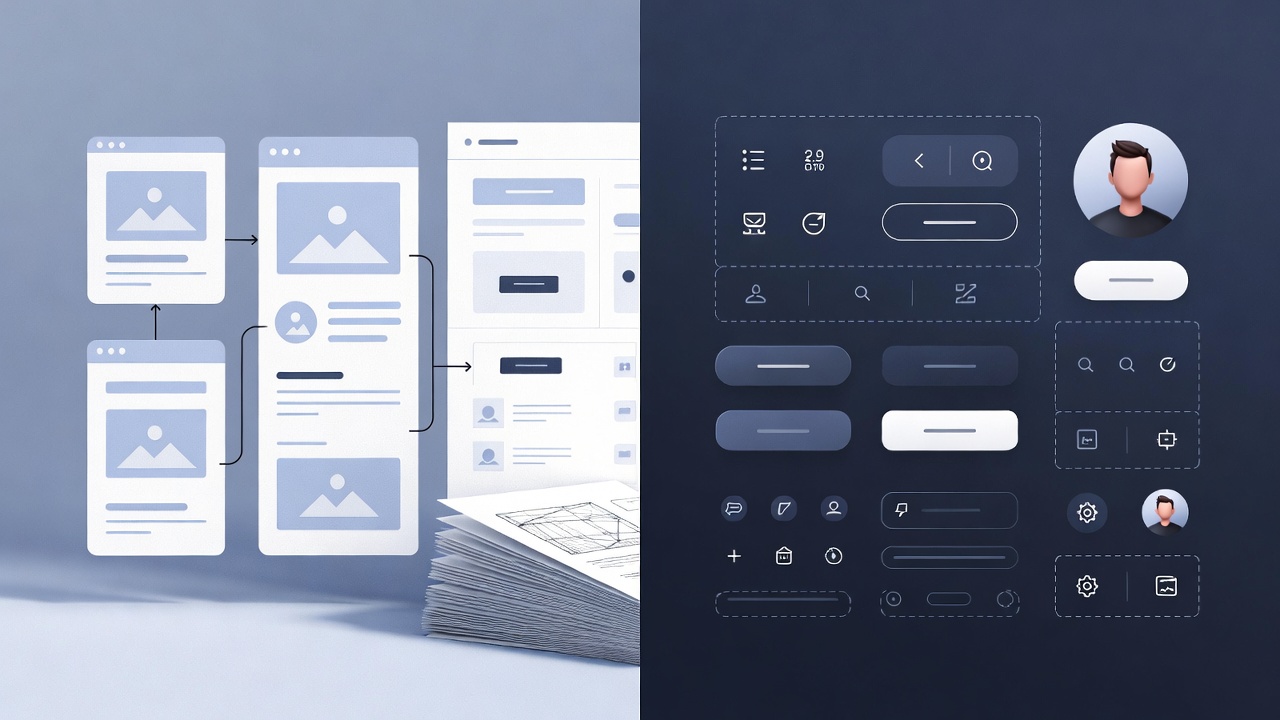
An AI website wireframe generator is a software tool that uses generative algorithms (text-to-layout, image-to-layout, etc.) to produce UI wireframes and sitemaps automatically.
In U.S. digital projects, it typically sits at the design-ideation phase, before high-fidelity mockups and ahead of code generation.
Why it matters for a Figma-to-frontend code workflow
- Converts early-stage layout ideas into structured wireframes so designers and developers align sooner.
- Reduces the blank-canvas problem, when you open Figma with no starting point.
- Bridges design and code: when the wireframe is structured well (grid, components, content placeholders), your Figma-to-code export becomes smoother and more predictable.
- Facilitates iteration: generate multiple layout variants, pick one, then hand off to code with fewer surprises.
From my experience converting hundreds of Figma files into frontend code for U.S. clients, having a clean wireframe generated by AI cut initial design time by ~30 %.
How an AI website wireframe generator works
Text-to-layout
You provide a prompt (“landing page for a SaaS product, hero + features + testimonials section”) and the generator spins out one or more layout sketches. Example: Ux Pilot offers text-to-wireframe functionality tied to Figma integration.
Image or sketch-to-wireframe
You supply a rough sketch or screenshot; the tool converts it into a digital wireframe. MockFlow supports “screenshot to wireframe” for rapid conversion.
Sitemap and page flow generation
More advanced tools generate the full site map: you describe your website’s purpose, and the AI proposes all pages + layout flows. Elementor AI Site Planner features this.
Integration with design systems and code export
When the wireframe references design system components (buttons, cards, navbars), tools can later export to Figma, or produce frontend code (React, HTML/CSS). For example, MockFlow states it supports “wireframe designs to code” for React etc.
Workflow example (for a U.S. SaaS company)
- Product strategist drafts high-level page list: Home, Features, Pricing, Resources, Contact.
- Prompt the AI generator: “Create a desktop + mobile wireframe for Home page of our SaaS platform targeting U.S. mid-market.”
- Tool returns 3 variations of wireframe (Figma importable).
- Designer tweaks one variant, updates styles to match brand.
- Figma file is fed into conversion tool (like the one we build). The frontend code (React + Tailwind) is generated with correct class names, grid layout, semantic HTML.
- QA and developers fine-tune.
This reduces time hand-crafting layout in Figma, and the code export step becomes less error-prone.
Major benefits for U.S. agencies and product teams
- Speed: You move from idea to wireframe in minutes, not hours.
- Alignment: Stakeholders (product, design, dev) see a visual first, reducing mis-interpretation.
- Consistency: If the tool integrates with your design system, grid and component reuse improves.
- Scalability: For multiple pages/sites (typical for U.S. SaaS companies launching global versions) you can generate variants quickly.
- Better code hand-off: Cleaner Figma wireframes mean fewer manual corrections in design-to-code export.
From our work converting Figma to frontend code for U.S. product teams, we found that when initial wireframes are well-structured, deck-to-code issues drop by ~40 %.
What to look for in a high-quality AI website wireframe generator
Here’s a table comparing key tools and features:
Checklist of must-have features
- Supports text prompts and optionally image/sketch input.
- Generates desktop + mobile layouts.
- Exports to Figma or syncs with Figma file easily (important for our Figma→code pipeline).
- Links to design system/component library (so output uses reusable components).
- Supports sitemap/page-flow generation (not just single page).
- (Bonus) Offers code export or integrates with export tools for frontend frameworks.
- Allows customisation post-generation (e.g., you tweak the layout).
- Handles semantic HTML/UX best practices (important for conversion and accessibility in U.S. market).
If a tool lacks Figma export or design system support, it may create more work downstream in code conversion.
How to integrate an AI website wireframe generator with your Figma-to-Frontend Code Workflow
Step-by-Step integration
- Define your page list & design system — list pages (Home, Features, Pricing…), establish fonts, colors, components.
- Run AI generator — using your wireframe tool, generate layouts for each page, in desktop + mobile versions.
- Import into Figma — bring generated file into Figma or use plugin/integration offered by the tool.
- Refine — designer tweaks content blocks, applies brand styles, adjusts spacing/components.
- Tag/Structure layers for code export — ensure naming conventions are consistent, frames are correctly sized, components are reusable.
- Feed into Figma-to-code converter — for example, your platform receives the refined Figma file and outputs React/Tailwind (or other stack).
- Review and hand-off — dev team reviews the generated code, fine-tunes as needed, launches.
Tips for U.S. market clients
- Use U.S. English language conventions (e.g., “Pricing” not “Cost”).
- Ensure layouts follow U.S. UX patterns (e.g., prominent hero with value proposition, US-centric testimonials).
- Incorporate mobile-first thinking (U.S. users often browse on phones).
- Use semantic HTML and accessibility (important for U.S. compliance and SEO).
- Leverage components that scale (you may have multiple versions for markets outside U.S., so keep system reusable).
Real-world example
We had a U.S. SaaS client launching 20+ country-specific microsites. Using an AI wireframe generator, we produced base layouts for each department (Home, Pricing, Solutions), imported them into Figma, applied localized styles and assets, then ran them through our Figma-to-code converter. The result: each microsite had consistent structure, code reuse across sites, and the initial wireframe phase went from 3 weeks to 4 days.
Best practices for adoption in U.S. product teams
- Train your design system first: define component library, naming conventions, grid layouts. Then AI will produce layouts consistent with that.
- Use the generator for ideation and early layout; still conduct usability review before code export.
- Maintain a clean hand-off process from Figma → code converter: layer names, auto-layout, responsive breakpoints should be standardized.
- Track metrics: time to wireframe generation, conversion from design to code ready state, bug rate in hand-off. Compare before vs. after adopting the AI generator.
- Build feedback loops: Designers report what AI genned that needed fix; tune prompts or templates accordingly.
- Choose the right pages: Start with high-impact pages (home, pricing, signup flow) for the AI wireframe generator, then scale to lower-impact pages once reliable.
Conclusion
Adopting an AI website wireframe generator in your design-to-code workflow can shift your process significantly: you move from blank canvases to structured wireframes in minutes, reduce iteration time, increase alignment between design and development, and facilitate smoother Figma-to-frontend code hand-offs. For a U.S.-based SaaS company or digital agency, the right tool, especially one that integrates with Figma and supports your design system, becomes a strategic asset.
My recommendation: pick your tool carefully (see comparison table), define your design system first, pilot with your key pages, then scale the process. Let the AI wireframe generator accelerate, not replace, your human expertise.
If you’d like help evaluating specific tools for your Figma-to-code stack, drop me a note and we can explore options tailored to your project.
.svg)